

Go Backend Frame · Server API
A Go foundation framework for admin systems and client-facing APIs. Built on Gin, GORM, MySQL, Redis and JWT, it provides dual service entrypoints, RBAC permissions, dynamic menus, login sessions, operation auditing, file uploads and common business channel configuration.
The project is still evolving. Issues and pull requests are welcome.
| Website | Admin Client | API Server | API Docs |
|---|---|---|---|
| Website | Admin source | API source | API docs |
Features
- Admin API and client API start independently with separate routers and can be deployed separately.
- JWT + Redis sessions with logout, password-change invalidation and admin forced offline.
- Menus, roles and departments are tree structures; admin side enforces API-level RBAC.
- Unified response envelope, parameter validation, pagination, database error and password handling.
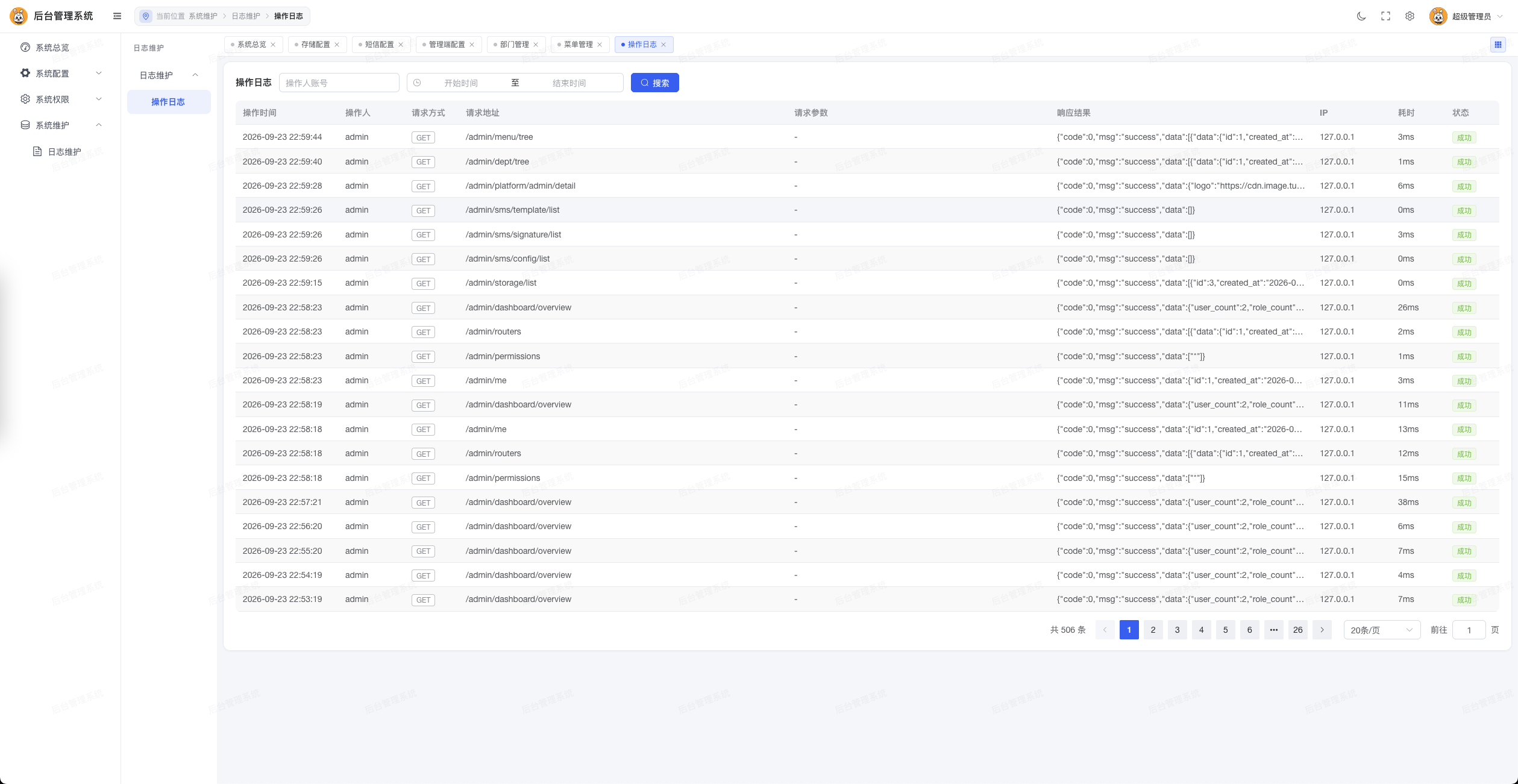
- Automatic admin operation logs with sensitive field masking; log queries do not write logs themselves.
- Local, Aliyun OSS, Tencent COS, Qiniu Kodo and MinIO storage backends.
- Business tables store only relative file paths; URLs are resolved from the current storage config.
- Built-in SMS, WeChat, payment, storage and platform configuration modules.
- Startup self-check, HTTP timeouts and graceful shutdown.
- All tables and columns use
utf8mb4_general_ci. - Ships with an admin OpenAPI document, front-end/back-end code standards and a reusable code-standards skill.
Tech Stack
| Category | Technology |
|---|---|
| Language | Go 1.26 |
| Web | Gin 1.10 |
| ORM | GORM 1.31 + MySQL driver |
| Cache | Redis 5+ |
| Auth | JWT v5 + Redis |
| CLI | Cobra |
| Config | YAML |
| Password | bcrypt |
| Storage | Local / Aliyun OSS / Tencent COS / Qiniu / MinIO |
Project Structure
server_api/
├── cmd/                       # CLI commands and service lifecycle
├── config/                    # Config structs and loading
├── internal/
│   ├── admin/                 # Admin business modules
│   │   ├── controller/        # Parameter binding and unified responses
│   │   ├── logic/             # Business logic
│   │   ├── middleware/        # Permission and operation log
│   │   ├── param/             # Request structs
│   │   ├── permission/        # RBAC computation and cache
│   │   └── resp/              # Response structs
│   ├── api/                   # Client business modules
│   └── common/                # Shared business capabilities
│       ├── app/               # MySQL/Redis init and checks
│       ├── auth/              # Sessions and JWT
│       ├── enums/             # Business enums
│       ├── middleware/        # Common middlewares
│       ├── model/             # GORM models
│       └── upload/            # Uploads and URL resolution
├── pkg/                       # Business-agnostic utilities
├── router/                    # admin/api route entrypoints
├── sql/                       # Incremental database scripts
├── uploads/                   # Local upload directory, not committed
├── sql/                       # SQL scripts; documentation lives in the sibling Wiki
│   ├── admin_openapi.yaml     # Admin OpenAPI 3.0 document, Apifox-ready
│   ├── CODE_STYLE.md          # Full front-end/back-end code standards
│   └── code-standards/        # Code standards skill for AI coding assistants
│       ├── SKILL.md           # Skill entry: scenarios, order, cheat sheet
│       └── references/        # backend-go.md / frontend-vue.md details
├── config.example.yaml        # Configuration template
├── go.mod
└── main.go
Requirements
- Go 1.26 or higher
- MySQL 5.7+ or MySQL 8.0+
- Redis 5+
Quick Start
1. Clone and install dependencies
git clone https://gitee.com/open-source-project-open/go_basic_frame_api.git
cd go_basic_frame_api
go mod download
2. Initialize the database
AutoMigrate is not used; the schema must be maintained through SQL scripts.
For a new installation, import sql/0.0.1/full.sql into an empty database. Historical incremental files are not required.
mysql -uroot -p your_database < sql/0.0.1/full.sqlAlternatively, configure config.yaml, run go run . database validate, then go run . database install. The initial account is admin / Admin@123456; change the password after installation. Existing databases must use database upgrade, which applies only later incremental versions. Never import a full snapshot into an existing system.
3. Create the configuration file
cp config.example.yaml config.yamlUpdate the MySQL, Redis and JWT sections. Always replace the JWT secret in production:
openssl rand -hex 32Key options:
| Option | Description | Example |
|---|---|---|
server.admin_addr | Admin API address | :8001 |
server.api_addr | Client API address | :8002 |
mysql.* | MySQL connection and pool | See template |
redis.* | Redis address, password, DB | See template |
jwt.secret | JWT signing secret | Random strong secret |
jwt.expire_hours | Session lifetime | 24 |
log.level | Log level | info |
config.yaml may contain database passwords and secrets; never commit real production configuration to a public repository.
4. Run the services
# Admin API, listens on :8001 by default
go run . service admin -c config.yaml

# Client API, listens on :8002 by default
go run . service api -c config.yaml
5. Build
go build -o bin/server_api .

./bin/server_api service admin -c config.yaml
./bin/server_api service api -c config.yaml
Other commands:
go run . version
go run . help
API Conventions
Unified response
All endpoints return a unified JSON envelope from pkg/response:
{
  "code": 0,
  "msg": "success",
  "data": {}
}
Common business codes:
| Code | Meaning |
|---|---|
0 | Success |
400 | Invalid parameters |
401 | Not logged in or session expired |
403 | No permission for this endpoint |
500 | Business or server error |
503 | Dependency temporarily unavailable |
Authentication
Protected endpoints use a bearer token:
Authorization: Bearer <token>- Admin:
Auth → Permission → OperationLog. - Client:
Auth. - Super admins bypass endpoint matching but still need a valid session.
- Regular admin permissions come from the
METHOD:/routeentries of menus bound to their roles.
Service Entrypoints
| Service | Prefix | Default port | Description |
|---|---|---|---|
| Admin | /admin | 8001 | RBAC, configuration and system management |
| Client | /api | 8002 | Client login, profile and uploads |
| Local files | /files/*filepath | Both | Local storage backend only |
Routes are the source of truth; see router/admin.go and router/api.go.
The admin API also ships an OpenAPI 3.0 document: go_basic_frame_wiki/public/openapi/admin_openapi.yaml. Import it into Apifox, Postman or Swagger UI and change servers.url to your address.
Database Conventions
- Every table and column must have a comment.
- Character columns use
utf8mb4_general_ci. - Enum values start at
1and live ininternal/common/enums. - GORM models must carry
gorm,jsontags and field comments. - Relations are expressed in response structs, never coupled into models.
- Prefer GORM
Preloadfor related queries. - File columns store relative paths only;
sys_upload_filekeeps both the relative path and the full URL. - Schema changes ship as incremental scripts in
sql/; runtime auto-migration is forbidden.
Code Standards
The full standards live in go_basic_frame_wiki/server-api/CODE_STYLE.md and cover directory layout, layer responsibilities, naming, templates and pre-submit checklists for Go and Vue/TypeScript.
Core rules:
controlleronly binds parameters, calls logic and writes the response.- Business rules, transactions and context handling belong to
logic;logicmethods accept*gin.Context. logicnever returns models directly; convert torespstructs.- Split
paramandrespby feature; a singleparam.go/resp.gois not allowed. - Shared capabilities go to
internal/common/<feature>. - Business-agnostic helpers go to
pkg/<feature>. - Always respond through
OK/Failinpkg/responsewith HTTP 200 and business codes for errors. - New endpoints must consider authentication, input validation, sensitive data masking and concurrent write safety.
AutoMigrateis forbidden; schema changes ship assql/scripts.- Update
go_basic_frame_wiki/public/openapi/admin_openapi.yamlon API changes; updateconfig/config.go,config.example.yamland the config table above on config changes.
Code Standards Skill
go_basic_frame_wiki/server-api/code-standards is the AI-assistant version of the same standards:
go_basic_frame_wiki/server-api/code-standards/
├── SKILL.md                   # Scenarios, backend/frontend order, cheat sheet
└── references/
    ├── backend-go.md          # Layer responsibilities, templates, pitfalls
    └── frontend-vue.md        # Types/API/page templates, style and checks
To use it in CodeBuddy, Claude Code or similar tools:
mkdir -p .codebuddy/skills
cp -r go_basic_frame_wiki/server-api/code-standards .codebuddy/skills/go-frame-code-standards
Once copied, the standards load automatically when writing, modifying or reviewing server_api and admin_client code; you can also mention go-frame-code-standards explicitly. Keep go_basic_frame_wiki/server-api/CODE_STYLE.md and go_basic_frame_wiki/server-api/code-standards/ in sync when the standards change.
Development and Checks
# Format
go fmt ./...

# Test
go test ./...

# Vet
go vet ./...
Do not commit temporary test files, build artifacts, logs, uploads, real configuration or secrets.
Deployment
- Terminate HTTPS at a reverse proxy and limit upload size and request rate.
- Run admin and client APIs as separate processes and domains.
- Restrict MySQL and Redis to trusted networks.
- Tune connection pools and HTTP timeouts for real traffic.
- Back up the database and object storage regularly and verify restores.
- Add structured logging, metrics and alerting in production.
Contributing
- Fork the repository and create a feature branch from the main branch.
- Keep changes focused and follow go_basic_frame_wiki/server-api/CODE_STYLE.md (the code standards skill helps).
- Run
gofmt,go test ./...andgo vet ./...before committing. - Describe the purpose, database impact, compatibility and verification in the pull request.
Do not disclose security vulnerabilities in public issues; report them through the maintainer's private channel.
Screenshots
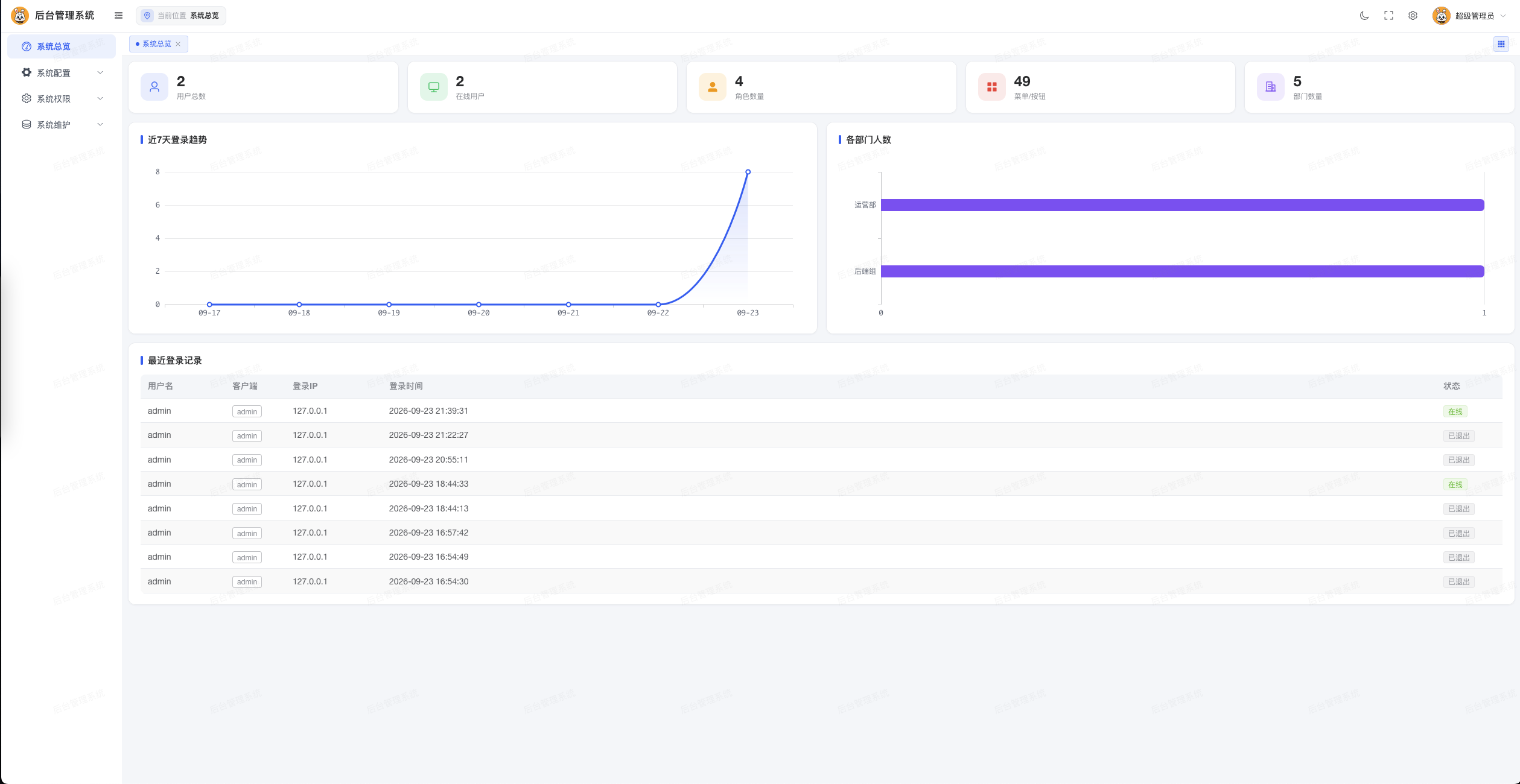
Dashboard
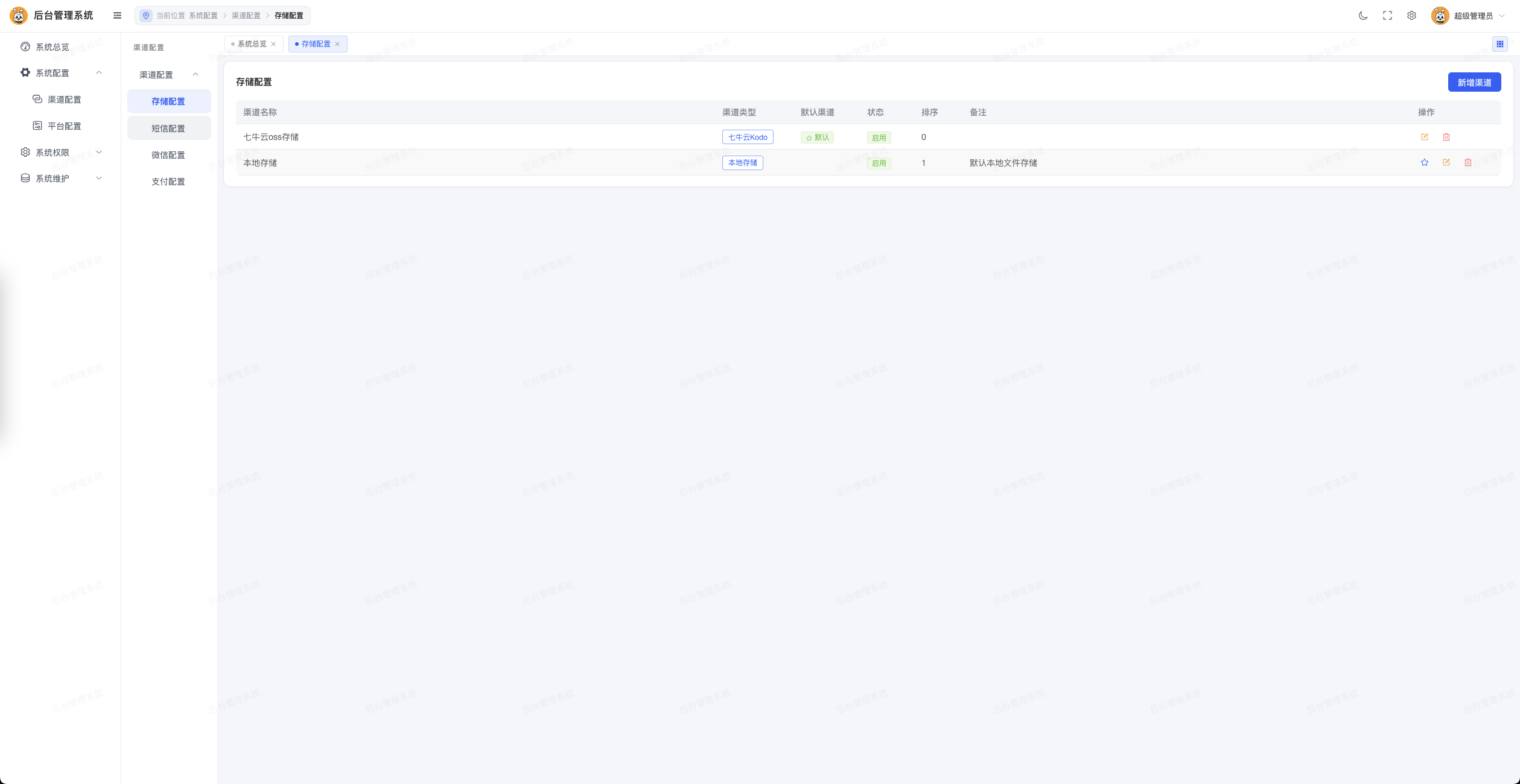
Storage Configuration
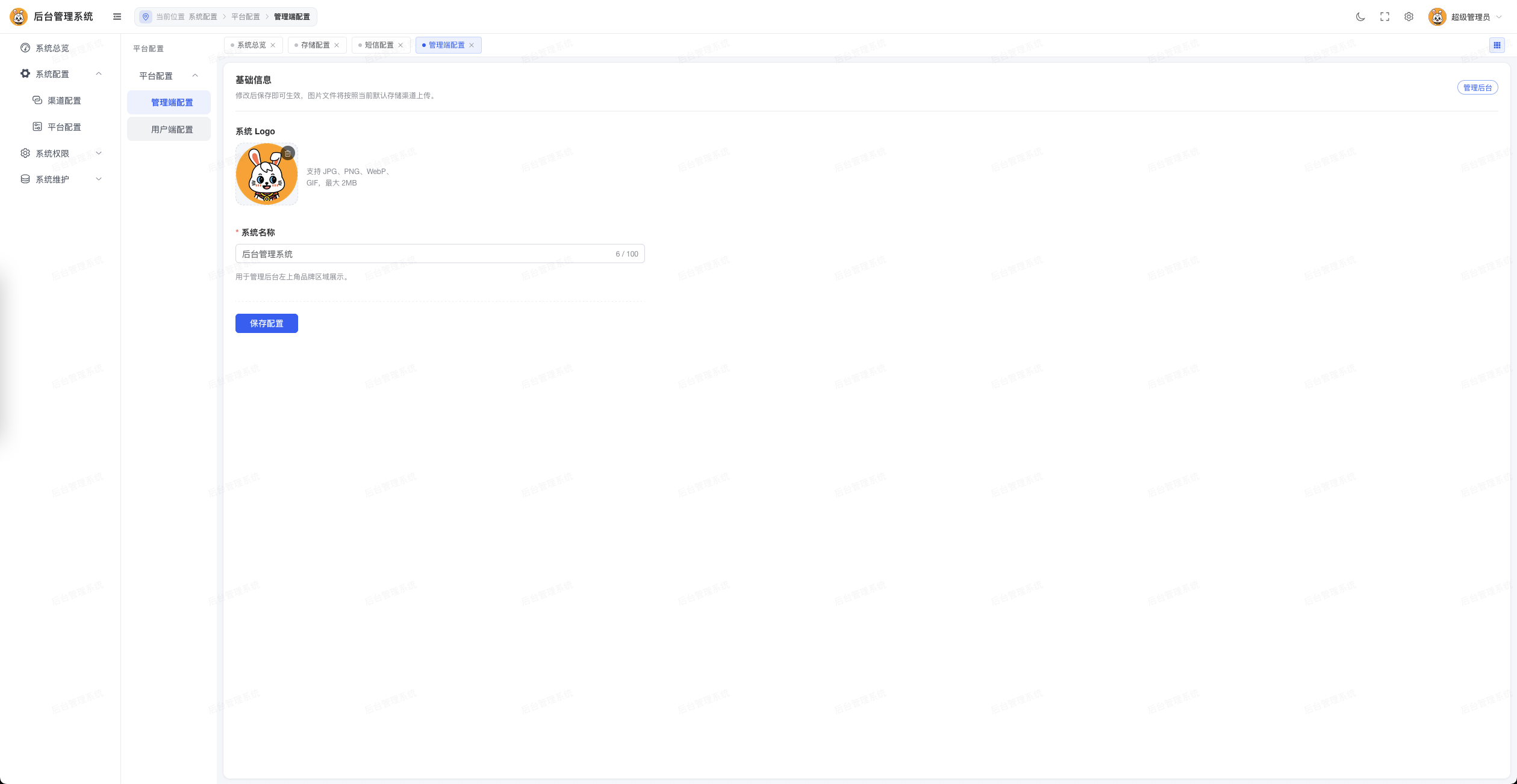
Platform Configuration
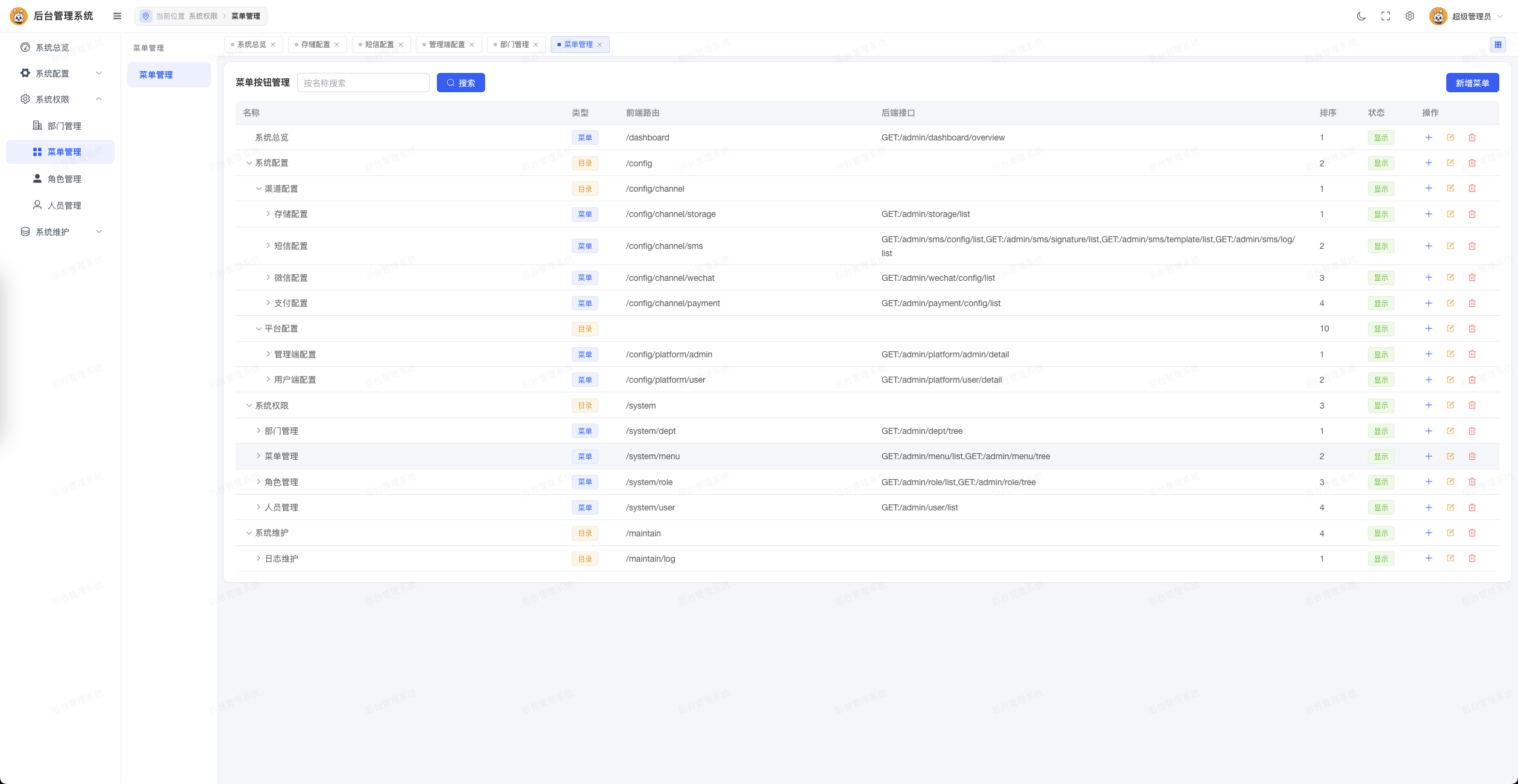
Menu Management
User Management
Role Management
Operation Logs
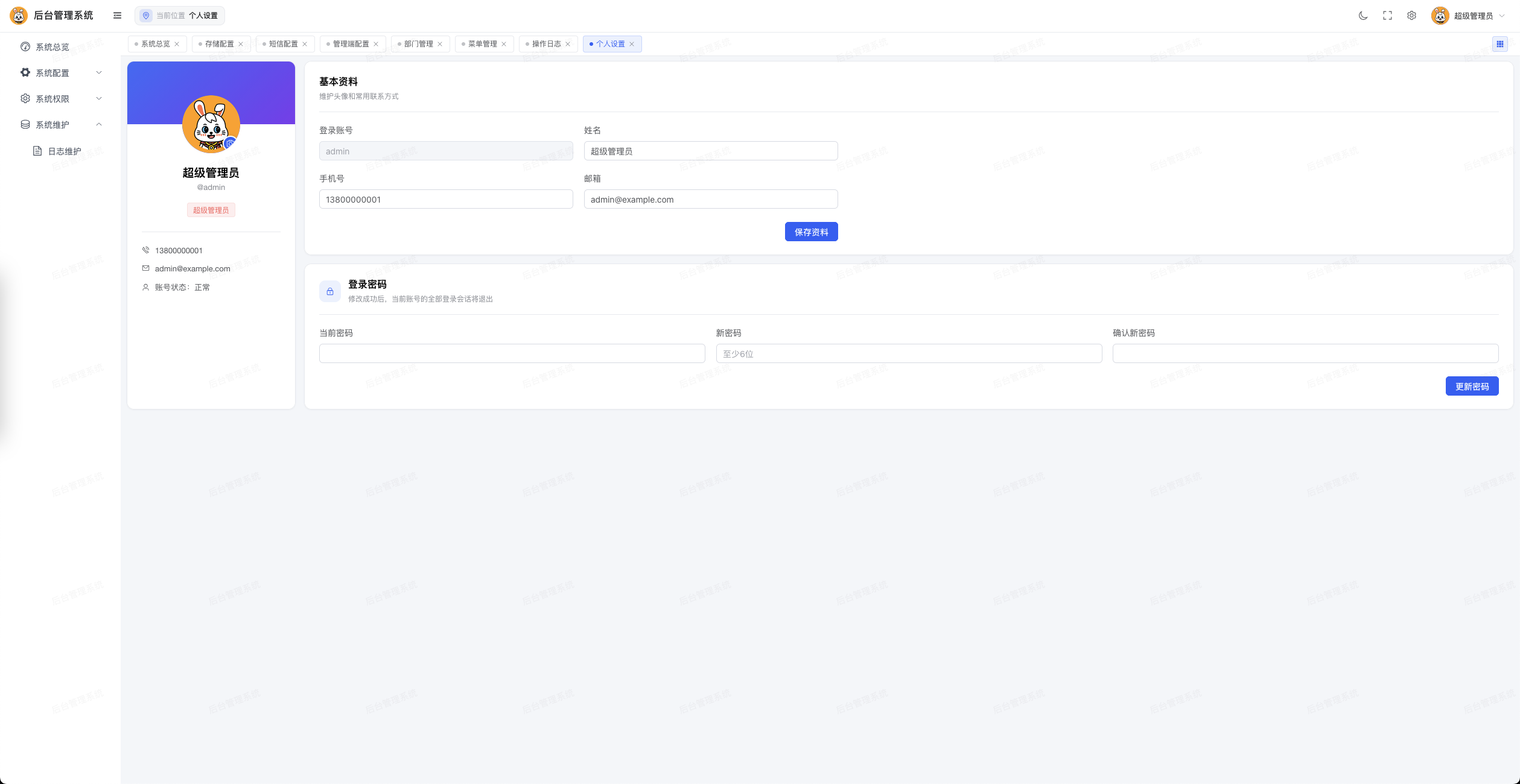
WeChat
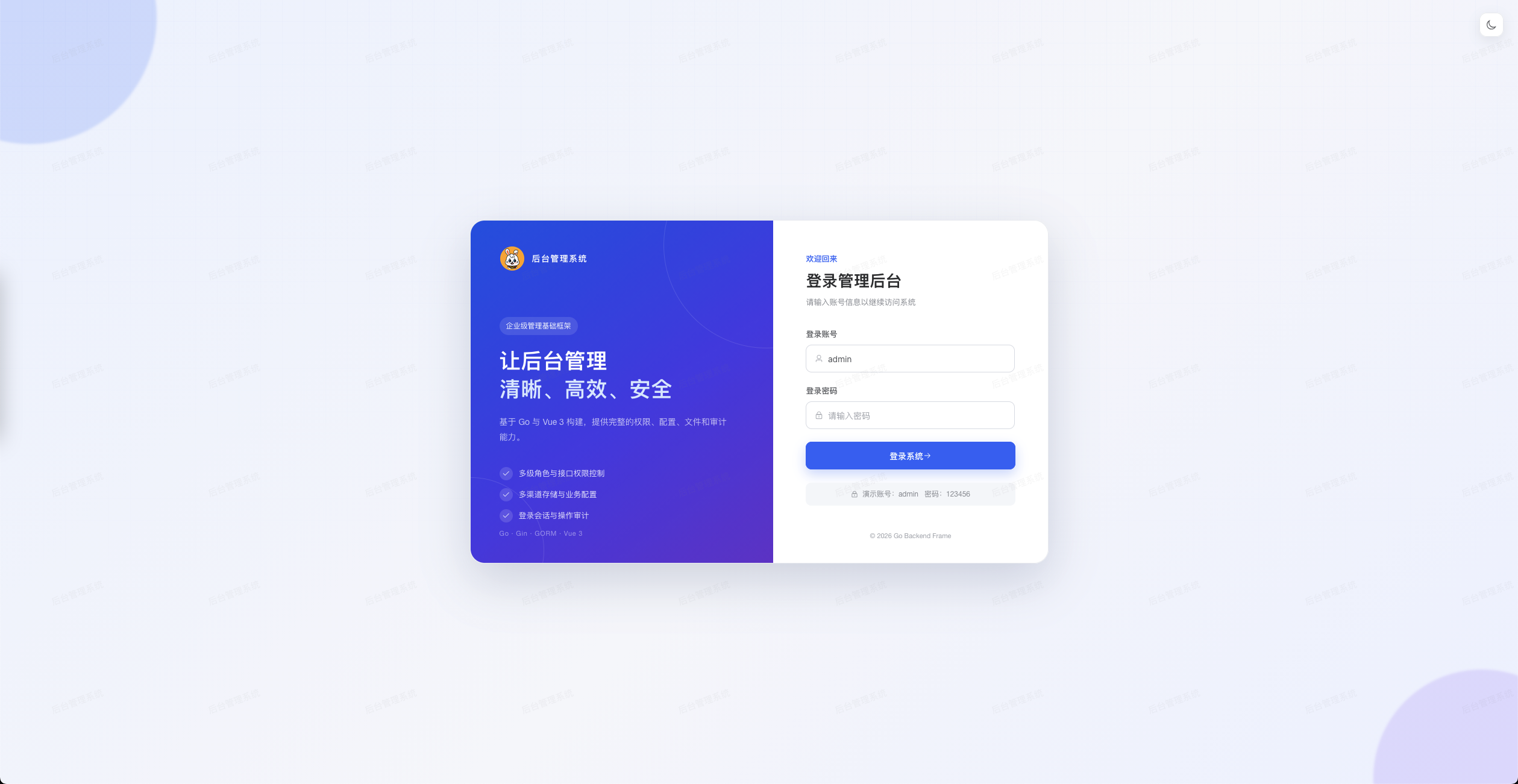
Scan the QR code below to discuss usage, ideas or contributions:

License
Released under the Apache License 2.0.